

mBooks
PDF & EPUB reading, kept simple.
mBooks is a fast, clutter-free reader for your PDFs and EPUBs. Keep your library in one place, read fully offline, and always pick up right where you left off.
Screenshots
What mBooks does
- Reads both PDF and EPUB files
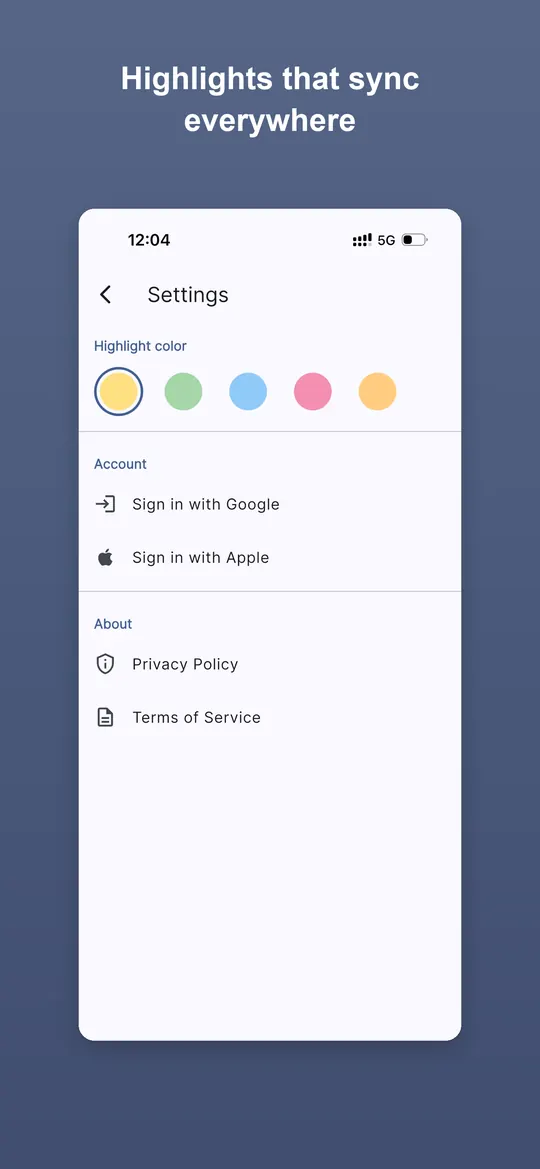
- Highlights PDF and EPUB text in five colours
- Syncs highlights to your Google or anonymous account
- Guest mode with no account; highlights stay on this device
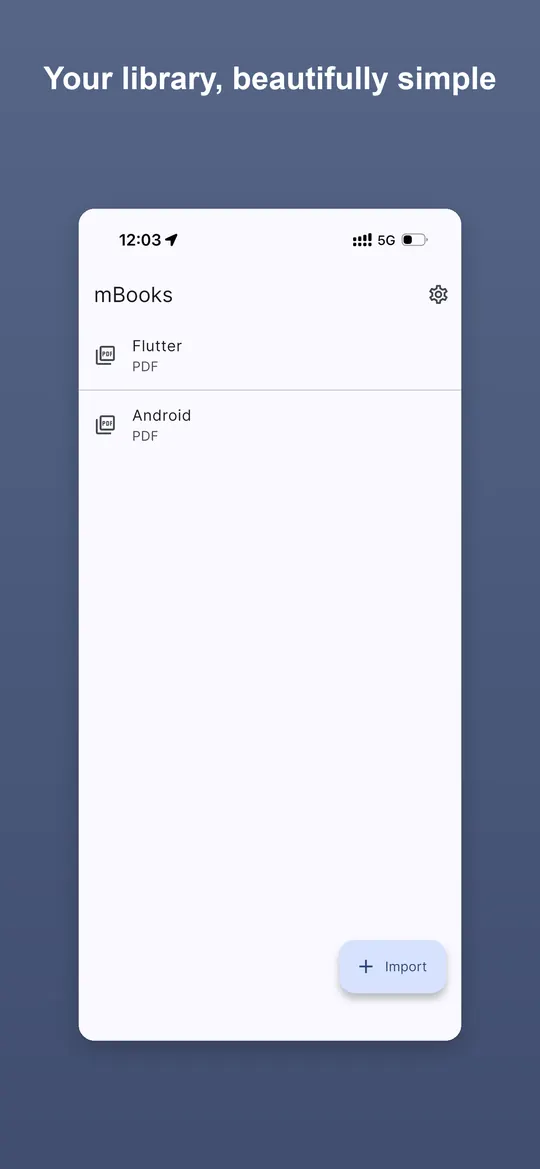
- Organize your books in one library
- Fully offline reading
- Remembers your last page automatically
- Clean, distraction-free reading view
- Light and dark themes
Free and Premium
- Free, with ads: reading, importing, highlighting, highlight sync, guest mode and account deletion.
- Premium: the same app without ads. Premium removes ads and nothing else.
Common questions
Is mBooks free?
Yes. mBooks is free with ads. Reading, importing, highlighting and highlight sync all stay free. Premium removes ads and nothing else.
What does Premium cost?
Premium is a Remove Ads purchase through Google Play. Google Play shows the price before you pay, and you buy it from Settings in the app.
How do I restore Premium on a new phone?
Sign in to the same Google Play account on the new phone, open Settings in mBooks and tap Restore purchase.
Are my books uploaded anywhere?
No. Your books stay on your device. Only your highlights are synced, and only after you sign in. In guest mode your highlights stay on this device.
Which formats does it support?
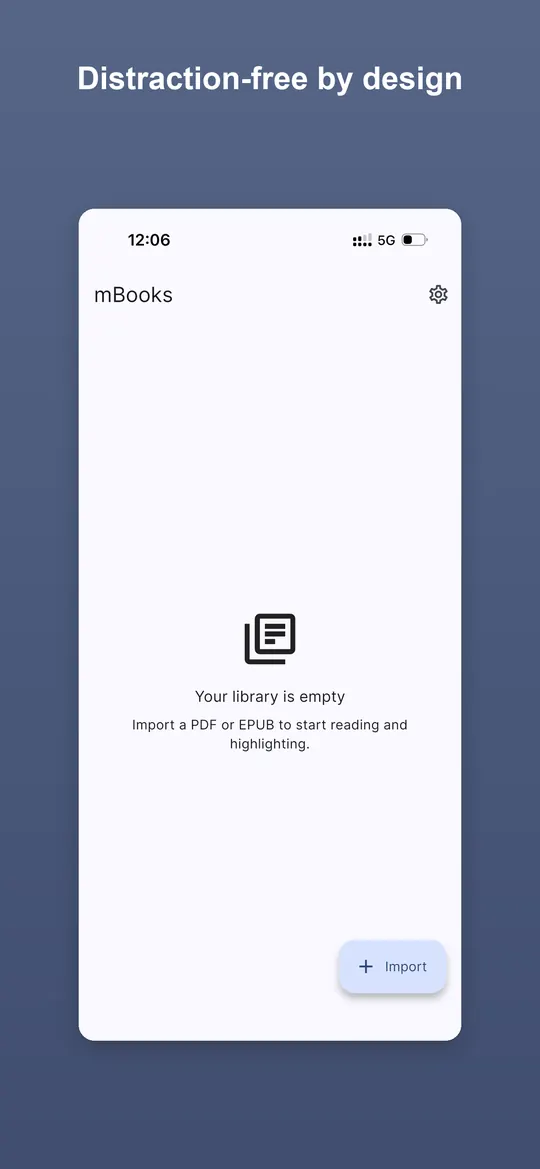
PDF and EPUB files. You pick each book yourself, so mBooks does not ask for all-files storage access.
Can I read offline?
Yes. You can read and highlight offline, and your highlights sync when you are back online.
Can I delete my account?
Yes. Open Settings and tap Delete account to remove your account and your synced highlights.
How do I get help or send feedback?
Use trei.dev/feedback and pick mBooks. Bugs, questions and feature requests all go there.
Terms & Privacy
Page facts last checked on 16 October 2026 against the mBooks app and its Google Play listing.